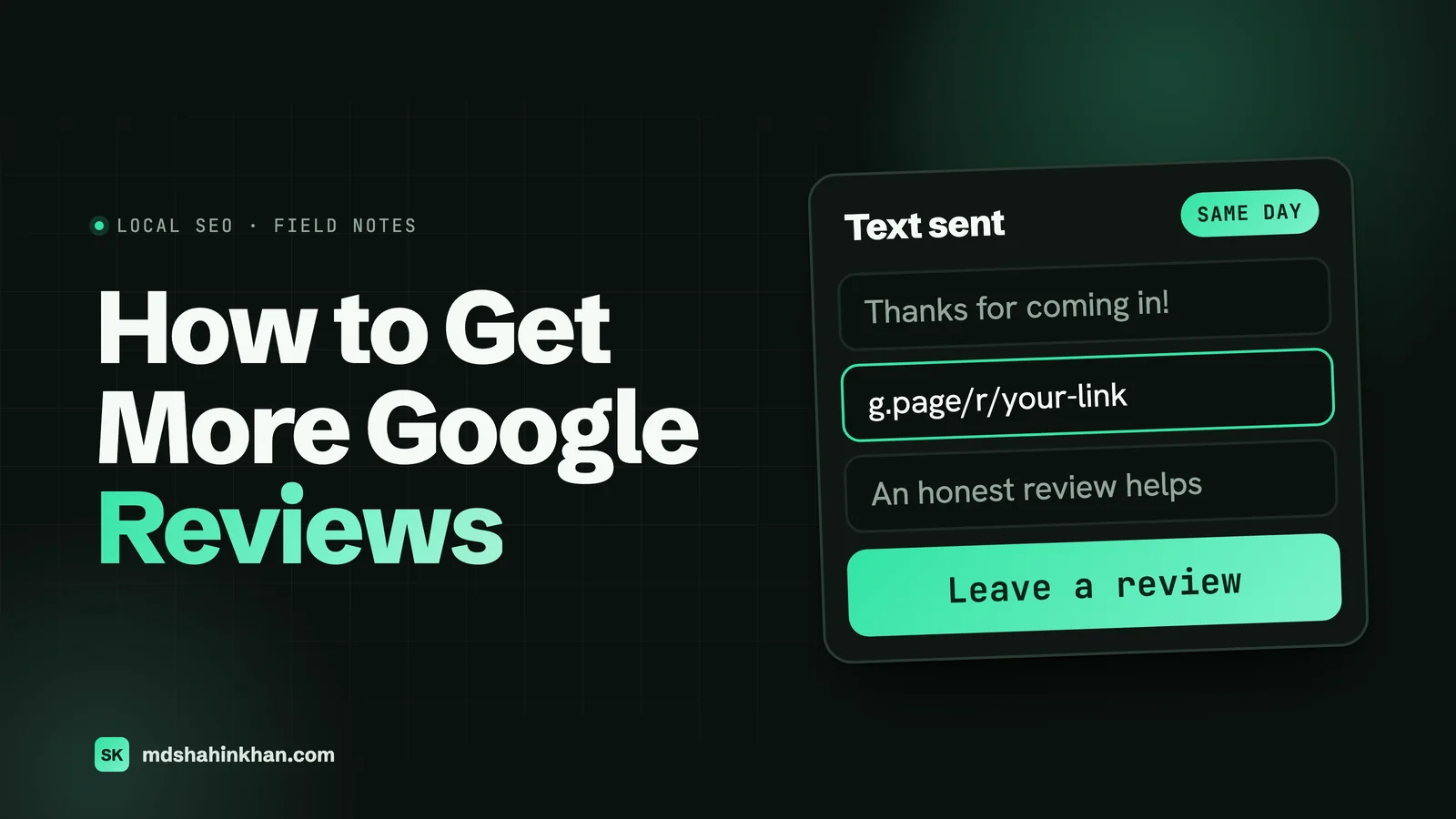
To get more Google reviews, ask every customer, every time, with your direct review link. Copy the link from your Business Profile, send it by text or email within a few hours of the visit, and make the ask personal and short. Reply to every review. Never pay, filter out unhappy customers, or set staff quotas.
That is the whole method. The rest of this guide is the detail that makes it work: how many reviews you actually need, the exact steps to get your link and QR code, request templates you can copy, what Google’s policy bans (it bans more than most guides admit), and the extra rules for dental practices and law firms. I build websites for local businesses, mostly dental practices, law firms and auto service centers, and reviews come up on nearly every project because they decide who gets the call. If you’re new to local search, my local SEO guide for small businesses covers the full profile setup this article builds on.
How Many Google Reviews Do You Need?
There is no magic number. What matters is how you compare with the businesses shown next to you in the map results.
To get a real benchmark, I looked at my own lead research data: the Google Maps results for “dentist”, “dental implants” and “implant dentist” searches in 91 US metro markets, collected between September and October 2026. That gave 5,823 unique dental practices with a Google rating, across 732 cities and 47 states. These are the practices patients actually see when they search, so the numbers lean toward visible, established offices.
| Review count | Share of practices |
|---|---|
| Fewer than 25 reviews | 8% |
| Fewer than 50 reviews | 13% |
| Fewer than 100 reviews | 21% |
| Fewer than 200 reviews | 35% |
| Fewer than 500 reviews | 67% |
| 1,000 reviews or more | 9% |
The middle practice had 326 reviews. A quarter had 125 or fewer, and a quarter had 600 or more. The average rating was 4.75, and the median was 4.9. More than half (54%) sat at 4.9 or 5.0, and only 3% were below 4.0.
Two more numbers from the same data surprised me:
- The leaders are far ahead. In the 88 cities where I had 20 or more practices, the three most-reviewed practices averaged 1,415 reviews, about four times the city’s median. You don’t need to catch the leader to show up, but that is the scale you are up against for the busiest searches.
- A perfect 5.0 is a small-number thing. Among practices with fewer than 25 reviews, 40% had a perfect 5.0, and 15% were below 4.0. Among practices with 1,000 or more reviews, only 7% held a perfect 5.0. With few reviews, one bad review swings the score hard. With many, a 4.8 or 4.9 is normal and believable.
So the practical target is simple: match the median of the businesses in your own map results, then keep a steady flow. Search your main service plus your city on a phone, write down the review counts of the top three, and use that as your goal. Google itself says that review count and rating count toward local ranking: its help page on improving your local ranking lists “how many reviews you have” under prominence and says more reviews and positive ratings can help.
What Google Allows and What It Bans
Most guides stop at “don’t buy reviews”. Google’s Maps content policy goes much further, and several popular tactics break it. Here is what the policy says about business owners, in plain words:
| Allowed | Not allowed |
|---|---|
| Asking customers for an honest review | Offering anything for a review: money, discounts, free services, gift card draws |
| Sending your review link by text, email or on receipts | Asking only happy customers, or screening people before sending the link (“review gating”) |
| Displaying a QR code at the front desk | Requiring or pressuring people to review while they are still on the premises |
| Replying to every review, good or bad | Asking staff to collect a set number of reviews |
| Reporting reviews that break the policy | Asking customers to mention specific words, services or a staff member’s name |
| Reviews from employees, former employees, family or competitors | |
| A sudden burst of reviews that looks like an effort to manipulate the rating |
The last three rows catch a lot of honest businesses. A team contest with a prize for the most reviews is a staff quota. A text that says “please mention Dr. Patel and our implant service” asks for specific content. A survey that sends four- and five-star answers to Google and keeps the rest private is gating.
US law covers some of the same ground. The FTC’s rule on consumer reviews, in force since 21 October 2024, bans buying reviews that express a particular sentiment (16 CFR 465.4), undisclosed reviews from owners, managers and employees (465.5), and using threats or intimidation to get a review taken down (465.7). Civil penalties can reach $53,088 per violation. The rule’s insider sections specifically leave out general requests asking your customers to post reviews about their experience, so a plain ask to every customer is fine.
How to Get Your Google Review Link and QR Code
Your review link opens the review box on your profile directly, so the customer doesn’t have to search for you and find the right listing. It’s the single most useful thing in this guide. Here is how to get it, following Google’s own steps:
- Sign in to the Google account that manages your Business Profile.
- Search for your business name on Google, or go to your Business Profile.
- Select Read reviews, then Get more reviews.
- Select Copy to copy the link. It looks like
https://g.page/r/followed by a code. - For the QR code, right-click it and choose Save image as. Google only shows the QR code in a computer browser, not on a phone.
Test the link in a private browser window before you use it anywhere. It should open your profile with the star box ready.
A tip from the website side: create a short page on your own site, such as yourdomain.com/review, that redirects to the Google link. It’s easier to print on a card, easier to say out loud, and if your profile ever changes, you update one redirect instead of reprinting everything. On WordPress this is a one-line redirect, and you can count clicks on it in your analytics.
When and How to Ask for Google Reviews
Timing matters more than wording. The best moment is shortly after the customer got what they came for: the crown fits, the case closed with a result they wanted, the car came back looking right.
- Ask in person, then send the link. One sentence at checkout, then the link by text within a few hours. “We’re a small practice and reviews really help people find us. I’ll text you a link; if you have a minute later, an honest review would mean a lot.”
- Send it the same day. In my experience the response rate drops quickly after a day or two. Most practice management, legal case and shop management systems can send an automatic text or email after an appointment or job is closed. Use that if you have it.
- Ask everyone. Include the quiet ones as well as the people who smiled. That is the rule, and it also keeps your reviews believable.
- Keep it optional. A QR code on the counter is fine. Handing a tablet to a patient in the waiting room and standing there while they type is the kind of on-site pressure Google’s policy describes.
- One reminder, then stop. A single follow-up two or three days later is reasonable. More than that starts to annoy.
Who should ask? The person the customer dealt with. For a dental practice that’s often the hygienist or the front desk, for a law firm the attorney or paralegal at case close, for an auto shop the service advisor at pickup. The owner’s name on the text helps too.
Review Request Templates You Can Copy
Short wins. Every extra sentence lowers the chance someone taps the link. Replace the parts in brackets.
Text message (same day):
Hi [first name], thanks for coming in today. If you have a minute, an honest review on Google helps other people find us: [your review link]. Thank you! [Your name], [business name]
Email (same day, if you don’t text):
Subject: Thanks for choosing [business name]
Hi [first name],
Thank you for trusting us with [the visit / your case / your car]. Reviews from real customers are how most people find a local [dentist / lawyer / shop], so if you have two minutes, we’d be grateful for an honest review on Google:
[your review link]
If anything wasn’t right, just reply to this email. I read every one.
[Your name], [business name], [phone]
Reminder (2 to 3 days later, once):
Hi [first name], a quick reminder in case you missed it: here’s the link to leave a Google review for [business name]: [your review link]. No worries if not. Thanks again!
Notice what these templates don’t do. They don’t ask for five stars, they don’t ask for a staff member’s name, and the “if anything wasn’t right” line goes to everyone, not as a filter before the review link. That line is allowed because every customer gets the review link too.
Where to Put Your Review Link
A request at the right moment brings most reviews. These placements catch the rest:
| Place | How | Best for |
|---|---|---|
| After-visit text or email | Automatic, from your booking or job system | Everyone |
| Receipt or invoice | Link and QR code printed at the bottom | Auto shops, retail |
| Front desk | Small card with the QR code and your short /review link | Dental, auto |
| Email signature | One line: “Happy with our work? Leave a review” | Law firms, offices |
| Website footer and contact page | A plain text link to /review | Everyone |
| Thank-you page after a form | “While you’re here” link | Everyone |
| Closing letter or case-close email | A short paragraph with the link | Law firms |
| Pickup or follow-up call | Say it, then text the link | Auto shops |
How Many 5-Star Reviews to Raise Your Rating
Google’s review score is the plain average of all ratings, shown to one decimal place, and it can take up to two weeks to update after a new review. That makes the math easy to work out. The table assumes every new review is five stars, which never quite happens, so treat these as the minimum.
| You have now | Your rating now | Rating you want | 5-star reviews needed |
|---|---|---|---|
| 20 reviews | 4.2 | 4.5 | 10 |
| 50 reviews | 4.2 | 4.5 | 23 |
| 100 reviews | 4.2 | 4.5 | 46 |
| 300 reviews | 4.2 | 4.5 | 137 |
| 50 reviews | 3.8 | 4.2 | 21 |
| 100 reviews | 3.8 | 4.2 | 42 |
| 50 reviews | 4.5 | 4.8 | 50 |
| 100 reviews | 4.5 | 4.8 | 100 |
| 100 reviews | 4.7 | 4.9 | 100 |
| 300 reviews | 4.7 | 4.9 | 300 |
The pattern: the closer you are to 5.0, the more reviews it takes to move the needle. Going from 4.5 to 4.8 means doubling your review count with nothing but perfect reviews. That’s why steady volume beats chasing a perfect score, and why one angry review hurts a business with 20 reviews far more than one with 300.
How to Respond to Google Reviews
Reply to every review, and keep replies short. Google’s own reply tips say the same: be professional, keep it short, don’t send the same thank-you to everyone, and don’t use replies to promote offers. Replies are checked by Google before they appear (usually within 10 minutes) and the reviewer gets a notification.
For a positive review, thank them by first name and mention one real detail from their review, not from your records:
Thanks so much, Maria. Glad the new schedule worked for you, and we’re happy to hear the whole team made you feel at home. See you at your next visit.
For a negative review, the goal is the next reader, not winning the argument:
- Wait an hour before you write anything.
- Thank them for the feedback and say you’re sorry about the experience, without admitting to anything specific that isn’t true.
- Don’t confirm they were a customer, and don’t share any detail about their visit, case or bill. (For dental practices and law firms this is a legal issue, more below.)
- Offer a way to talk: a name and a phone number or email.
- If you fix it, the customer can update their review. Many do.
We’re sorry to read this and we’d like to understand what happened. Please call our office manager, Jen, at (555) 123-4567 so we can talk it through directly.
If a review breaks Google’s policy (a competitor, a fake, hate speech, someone who was never there), report it from your profile instead of arguing with it in public.
Rules for Dental Practices, Law Firms and Auto Shops
The general advice above applies to every business. These three industries have extra rules worth knowing.
Dental Practices: HIPAA Applies to Review Replies
A patient’s review is public; your reply can still be a privacy breach. The US Department of Health and Human Services has settled with dental practices over exactly this. Elite Dental Associates in Dallas paid $10,000 in 2019 after a reply to a Yelp review disclosed a patient’s information. In 2022, New Vision Dental in California paid $23,000 after replies disclosed patients’ names, treatment and insurance details.
So never confirm in a reply that the reviewer is your patient, and never mention a procedure, appointment or bill. A neutral “please call our office” reply works for every case. Asking patients for reviews is fine; just send the link, not a question about their treatment. My guide to HIPAA and dental websites covers the website side of the same rules, and local SEO for dentists covers the rest of the profile work.
Law Firms: Confidentiality Comes First
The American Bar Association’s Formal Opinion 496 (2021) says a negative online review alone doesn’t allow a lawyer to reveal client information in response. A short reply that says professional obligations prevent you from discussing any matter, plus an invitation to call, is the safe pattern. Rules on testimonials and on giving anything of value for recommendations differ by state, so check your state bar’s rules before you start a review program. Ask at case close, in writing, with the link. My guide to local SEO for lawyers covers the profile setup for firms.
Auto Shops: Ask at Pickup, Not With a Coupon
Auto shops have no special privacy law here, but the incentive ban bites them most often: “$10 off your next oil change for a review” is exactly what Google and the FTC prohibit. Ask at pickup, text the link the same day, and print the QR code on the invoice. My guide to SEO for auto repair shops has the rest of the local playbook.
Showing Reviews on Your Website
Visitors check reviews on your site too, so show them. A few things I’ve learned building these pages:
- Quote a few real reviews on the pages where people decide: the home page, the main service pages and the contact page. Short quotes with first name and the platform beat a giant scrolling widget.
- Watch the speed cost. Third-party review widgets often load a lot of JavaScript. On a phone that can slow the page that is supposed to win the booking. Static quotes you update every few months cost almost nothing.
- Don’t expect stars in Google’s results from your own reviews. Google’s review snippet guidelines say that a local business showing reviews about itself, even through an embedded Google reviews widget, is not eligible for the star rich result. Adding review schema for that reason won’t work.
- Link to your profile. A “Read all our reviews on Google” link next to the quotes sends the trust check to the place people believe most.
Mistakes That Get Reviews Removed
Google removes reviews that look manipulated, and sometimes restricts the profile. These are the patterns that cause trouble most often:
- Review gating tools. Software that asks “How was your visit?” first and only sends happy customers to Google. If your review software has a setting like this, turn it off.
- Staff contests and quotas. Prizes for the most reviews, or a target per employee.
- Reviews from inside. Employees, their families, the owner’s friends, your web developer. Even when they mean well, it’s a conflict of interest under Google’s policy and an undisclosed insider review under the FTC rule.
- One big blast to your whole list. Emailing 3,000 old customers on one afternoon can produce the kind of sudden burst the policy calls an “unusual volume”. Send to recent customers on a steady schedule instead.
- Review kiosks. A tablet in the lobby means reviews written on your premises, often with staff nearby, which is the on-site pressure Google’s policy describes, plus many reviews from one device.
- Scripts that ask for keywords. “Please mention dental implants in Austin” asks for specific content.
- Buying reviews in any form. Including services that promise “real reviews from real people”. They are paid reviews.
A 30-Day Plan
If you’re starting from a handful of reviews, this is the order I’d work in:
Week 1: set up
- Copy your review link and download the QR code
- Create a short /review redirect on your website
- Turn off any review gating setting in your software
- Write your text and email templates
Week 2: start asking
- Brief the team on the one-sentence ask and who asks
- Turn on the automatic after-visit text or email
- Put the QR card at the front desk and the link on receipts or invoices
Week 3: reply
- Reply to every existing review, newest first
- Report any review that breaks Google’s policy
- Add your email signature line and the website footer link
Week 4: check
- Count new reviews against your target from the map results
- Check which channel brought them (text, email, QR)
- Fix the weakest step and keep going every week
Frequently Asked Questions
Is It Legal to Buy Google Reviews?
No. In the US, the FTC’s consumer reviews rule bans buying reviews that express a particular sentiment and creating fake reviews, with civil penalties of up to $53,088 per violation. Google’s policy also bans paid reviews of any kind, and Google removes them and can restrict the business profile.
What Is Google’s 20% Rule?
There is no review rule by that name in Google’s published policies. “20% rule” usually refers to the “20% time” Google once gave engineers for side projects. For reviews, the rules that matter are the Maps content policy (no incentives, no gating, no insider reviews) and the FTC rule.
Can I Pay for 5-Star Reviews on Google?
No. Paying for reviews is against Google’s policy and, in the US, against the FTC rule, whether the payment is cash, a discount, a free service or a prize draw. You can’t offer an incentive even for an honest review, because Google bans incentives for any review.
How Many 5 Star Reviews Do I Need to Increase My Rating?
It depends on how many reviews you have and how close to 5.0 you are. With 50 reviews at 4.2, you need about 23 five-star reviews to show 4.5. With 100 reviews at 4.5, you need about 100 to show 4.8. The table above has more examples.
How Do I Get My Google Review Link?
On a computer, go to your Business Profile, select Read reviews, then Get more reviews, and copy the link. The same screen gives you a QR code you can save and print.
Can I Ask Customers to Mention a Staff Member in Their Review?
No. Google’s policy doesn’t allow businesses to ask for specific content in a review, and it names “content that identifies a staff member” as an example. Ask for an honest review and let the customer decide what to write.
How Long Does It Take for a Google Review to Show Up?
Many reviews appear quickly, but Google checks reviews against its policies and some are delayed. The overall review score can take up to two weeks to update after a new review, according to Google.
Should I Reply to Every Google Review?
Yes. Replies show future customers that someone is paying attention, and Google says positive reviews and helpful replies can help a business stand out. Keep replies short and personal, and never share private details about the customer.
Reviews are one part of being found locally. The other parts are a complete profile and a website that turns the visit into a call. My pages on websites for dental practices, law firms and auto service centers show how I build those, and the local SEO guide for small businesses covers the full setup.
If you’d like me to look at your Google profile and website and tell you where your next reviews and calls should come from, book a free 30-minute call and I’ll go through it with you, whether or not we work together.