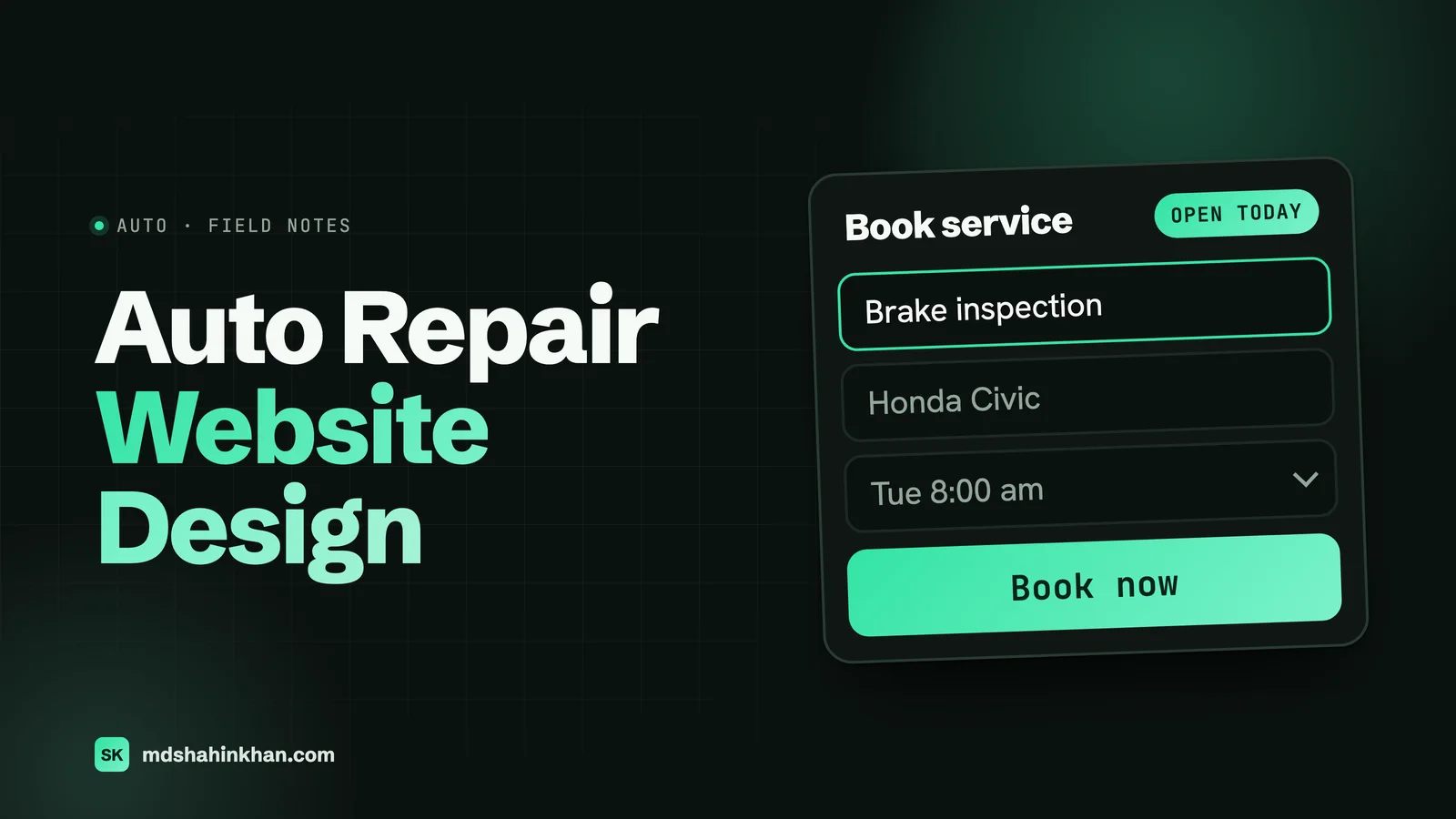
A good auto repair website makes it easy for a driver with a problem to call or book in under a minute on a phone. That means a tap-to-call number and today’s hours at the top of every page, a page for each service you want more of with a price range and what is included, online booking with clear drop-off instructions, and proof that you are trustworthy: certifications, warranty terms, real photos and reviews. Galleries of good-looking shop sites miss the point; the design exists to fill the bays.
I build websites for auto service centers, dental practices and law firms, and repair shops are the most practical of the three: nobody browses a mechanic’s website for fun. The driver has a warning light on, a noise that is getting worse, or a car that failed inspection, and they are deciding between you and the next shop on the map. My article on SEO and marketing for auto repair shops covers getting found; this one covers the website itself, page by page, and what it costs.
What Drivers Search For
Here is how many times a month people in the US search for common repair services, from Ahrefs data I pulled for this article:
| Search | US searches a month |
|---|---|
| oil change near me | 910,000 |
| tire shop near me | 458,000 |
| mechanic near me | 312,000 |
| check engine light | 171,000 |
| auto repair near me | 133,000 |
| alignment near me | 96,000 |
| brake repair near me | 78,000 |
| mobile mechanic near me | 73,000 |
| body shop near me | 48,000 |
| muffler shop near me | 38,000 |
| car ac repair near me | 22,000 |
| diesel mechanic near me | 16,000 |
| transmission repair near me | 14,000 |
| car battery replacement near me | 7,400 |
Two lessons for the website. Drivers search by the service or the symptom (brakes, alignment, check engine light), not “auto repair”, so each service you want needs its own page. And nearly all of these searches happen on a phone, often by someone standing next to the car, so the mobile version of the site is the real one.
Ten Things the Best Repair Shop Websites Do
1. Tap-to-Call and Today’s Hours at the Top of Every Page
The phone number is a button, visible without scrolling on every page, and next to it the shop’s hours for today (“Open today 7:30 am to 6 pm”). Drivers with a problem want to know if you are open now.
2. Say What, Where and for Which Cars in One Sentence
“Honest auto repair and maintenance for all makes in North Austin, since 1998.” The headline should tell a stranger what you do, where, and whether their car is welcome. If you specialise (European, diesel, hybrids, fleet), say it here.
3. One Page per Service
A single “Services” page listing twenty things does not rank for “brake repair near me” and does not answer the driver’s question. Give each service you want more of its own page: brakes, oil change, diagnostics and check engine light, alignment, tires, AC, transmission, inspections, and so on.
4. Price Ranges or “Starting At” Prices
Price is the question behind most calls. You do not need a full menu, but ranges or starting prices for common jobs, and a plain explanation of your diagnostic fee, filter out price shoppers and reassure everyone else.
5. Online Booking and Clear Drop-Off Instructions
Let people request or book an appointment without calling, and tell them exactly what happens next: where to park, where to leave keys after hours, when they will hear from you.
6. Warranty Terms in Plain Words
“24 months or 24,000 miles on parts and labor” is one of the strongest trust signals a shop has. Put your actual warranty on every service page, not buried in the footer.
7. Certifications You Actually Hold
ASE certification, AAA Approved Auto Repair, manufacturer training, parts network warranties. Show the logos you are entitled to and explain what each means to the driver.
8. Real Photos of the Shop, the Bays and the Team
Stock photos of smiling mechanics are instantly recognisable and build no trust. Your real building (so drivers recognise it when they pull in), clean bays, and the people who will work on the car do.
9. Reviews Where the Decision Happens
Show a few recent Google reviews on the homepage and on service pages, ideally ones that mention that service (“they fixed my brakes the same day”). Link to your Google profile for the rest.
10. Amenities That Answer “What Do I Do While I Wait?”
Shuttle, loaner cars, waiting room with Wi-Fi, a coffee shop nearby, text updates with photos of the problem. These decide close calls between two shops.
Page by Page: What Belongs on a Repair Shop Website
| Page | What it must answer | The one action |
|---|---|---|
| Homepage | What you do, where, for which cars, open today? | Call or book |
| Service pages (one each) | Symptoms, what you check, price range, time, warranty | Book this service |
| Diagnostics / check engine light | What the diagnostic fee covers and whether it is credited to the repair | Book diagnostics |
| Pricing or specials | Starting prices, current offers with an end date | Book |
| About and team | Who you are, how long, certifications | Call |
| Reviews | Recent reviews, link to Google | Book |
| Booking | Pick service and time, drop-off and key instructions | Submit |
| Warranty | Terms, coverage, nationwide network if any | Call |
| Fleet (if you do it) | Accounts, billing, turnaround, vehicles served | Request a fleet account |
| Contact and directions | Address, map, entrance, parking, after-hours drop-off | Get directions |
A small shop needs 10 to 20 pages to do this well; the service pages are most of them.
Service Pages That Book the Appointment
A good service page reads like a good service writer explaining the job. I structure each one the same way:
- The symptoms in the driver’s words: squealing when braking, pulling to one side, a steering wheel that shakes.
- What you check and why, in plain language, the way a repair order records the concern, the cause and the correction.
- A price range and what changes it: “Front brake pads and rotors: [your range], depending on the vehicle.”
- How long it takes, and whether it can be done while the customer waits.
- Your warranty on this job.
- A review that mentions this service.
- A booking button that preselects the service.
Write the page for the car owner, not for Google, and name the area you serve in the heading and first paragraph. That is enough for the page to be relevant for the local searches in the table above.
Showing Prices Without Starting a Price War
Most shop owners worry that prices online invite comparison shopping. In practice, drivers compare anyway, by calling around. A range, a starting price or a “most cars” price does three useful things: it answers the question that stops people calling, it sets expectations before the car arrives, and it tells Google the page is about that job.
- Use ranges for variable jobs (brakes, suspension, AC) and fixed prices for fixed jobs (oil change by oil type, alignment, state inspection where your state sets the fee).
- Explain the diagnostic fee, what it covers and whether it is credited to the repair.
- Date your specials and remove them when they end. An expired coupon is a small but real trust problem.
Booking, Drop-Off and After-Hours
- Use the booking tool your shop management software provides, if it has one, so appointments land in the system you already use; otherwise a simple request form that the service desk confirms by text works well.
- Ask for the minimum: name, phone, vehicle, service, preferred time. Every extra field loses bookings on a phone.
- Confirm by text, with the address and drop-off instructions.
- Explain after-hours drop-off on the booking and contact pages: where to park, where the key drop is, what to write on the envelope.
- Add the same booking link to your Google Business Profile, so drivers can book straight from the map.
Trust Signals Drivers Check
- ASE certification. ASE’s Blue Seal of Excellence recognition requires at least 75% of a shop’s technicians who diagnose and repair vehicles to be ASE certified. If you hold it, say so; if individual technicians are certified, name them on the team page.
- AAA Approved Auto Repair. About 7,000 facilities in the US and Canada are in the program, and they are inspected regularly. If you are one, the badge belongs near the top of the homepage.
- Your warranty, stated plainly.
- Years in business and the owner’s name. Drivers trust a person more than a brand.
- Reviews with a count and rating that match your Google profile.
Only show logos you are entitled to use, and keep them current; an out-of-date certification badge is worse than none.
Body Shops, Tire Shops and Fleet Work
Collision and body shops need an estimate flow (upload photos of the damage, then a call back), a clear explanation of working with insurance and whether you are a direct repair shop for particular insurers, rental car arrangements, and before-and-after photos of real repairs.
Tire shops need tire brands carried, a way to request a quote by size or vehicle, and clear pricing for mounting, balancing and alignment.
Shops that do fleet work should have a fleet page with account setup, billing terms, turnaround commitments and the vehicle types serviced. Fleet managers search differently from drivers and want a form, not a phone call.
The Technical Basics
- Fast on a phone. A driver on mobile data by the roadside will not wait; keep images compressed and avoid sliders at the top. My guide to speeding up WordPress covers the fixes.
- One name, address and phone number, identical on the website, Google Business Profile and directories.
- Structured data. Mark the homepage and contact page with the
AutoRepairschema type, including address, phone, hours and services, so search engines read your details correctly. - Accessible forms and buttons, large enough to tap and readable in sunlight.
- Tracking that shows which pages bring calls and bookings, so you know which service pages are working.
What a Repair Shop Website Costs
A 2026 cost breakdown from Qrolic, a web development company, puts auto repair shop websites at:
| Approach | Build cost | What you get |
|---|---|---|
| Builder or DIY | $500 to $2,500 | A template on a website builder or an automotive platform |
| Professional build | $3,000 to $8,000 | Custom design, basic SEO, shop software integration, written copy |
| Larger custom builds | Up to about $25,000 | Multi-location shops, custom features |
| Hosting | $30 to $150 a month | Depends on the platform and plan |
| Maintenance | $50 to $300 a month | Updates, backups, security, small edits |
Those ranges match the wider market: Elementor’s 2026 guide puts a custom WordPress site from a freelancer at $2,000 to $8,000. The hosting line can be much lower on a well-chosen WordPress host; my guide to what web hosting really costs shows real renewal prices.
Template, Builder or Custom
- Automotive website platforms (often bundled with marketing services) are quick to launch and include industry features, but check who owns the site and the content, what happens if you cancel, and whether you can add your own pages.
- General builders such as Wix or Squarespace work for a small shop that wants to edit it themselves; my comparison of Wix, WordPress and Squarespace covers the trade-offs.
- WordPress with a well-built theme or page builder gives you full control of service pages, speed and structure, and the site stays yours if you change developers.
Whichever you choose, the checklist above matters more than the platform.
Redesigning Without Losing Your Rankings
If your current site already brings in calls, a redesign must keep them coming:
- Keep the pages that rank, or redirect each old address to its matching new page.
- Keep the service names and wording that customers search for.
- Test the booking form, phone links and directions before launch, on a phone.
- Watch Search Console for “not found” pages for a few weeks after.
My guide to a website not showing up on Google includes a full recovery checklist if a redesign has already cost you traffic, and my local SEO guide covers the map pack side. You can see what I build for shops on my page about websites for auto service centers.
Frequently Asked Questions
How Much Does an Auto Repair Shop Website Cost?
A 2026 breakdown from Qrolic puts a builder or DIY shop website at $500 to $2,500 and a professional build with custom design, basic SEO and shop software integration at $3,000 to $8,000, with larger custom builds up to about $25,000. Running costs are hosting at $30 to $150 a month and maintenance at $50 to $300 a month, though hosting can cost less on a well-chosen plan.
What Should Be on an Auto Repair Website?
A tap-to-call number and today’s hours at the top of every page, one page per service with symptoms, a price range, time and warranty, online booking with drop-off instructions, real photos of the shop and team, your certifications and warranty, recent reviews, and clear directions. A fleet page and an estimate flow are worth adding if you do fleet or collision work.
Should an Auto Repair Shop Put Prices on Its Website?
Yes, as ranges or starting prices for common jobs, with a plain explanation of the diagnostic fee. Drivers compare prices anyway by calling around; showing a range answers their question, sets expectations before the car arrives and helps the page rank for that service. Use fixed prices only for fixed-price jobs, and date any specials.
Do Auto Repair Shops Need Online Booking?
It helps, especially for routine services and for drivers searching outside opening hours. Use your shop management software’s booking tool if it has one, or a short request form confirmed by text. Keep the form to name, phone, vehicle, service and preferred time, and explain drop-off and after-hours key drop clearly.
What Is the Best Website Builder for an Auto Repair Shop?
It depends on who will run the site. A general builder such as Wix or Squarespace suits a small shop that wants to edit its own pages; automotive platforms launch quickly but may limit ownership and custom pages; WordPress gives full control of service pages, speed and structure and stays yours if you change developers. The page structure matters more than the platform.
How Many Pages Does an Auto Repair Website Need?
Usually 10 to 20: a homepage, one page per main service, diagnostics, pricing or specials, about and team, reviews, booking, warranty, contact and directions, plus fleet or collision pages if you offer them. The service pages do most of the work, because drivers search by the job they need.
If you run a repair shop and want to know what your website should change first, book a free 30-minute call and I will look at it with you, whether or not we work together.