Your website is usually missing from Google for one of three reasons: Google has not found it yet, a setting is telling Google to stay away, or Google has it but ranks other pages above it for what you searched. Search for site:yourdomain.com to see whether Google has any of your pages, then open the free URL Inspection tool in Google Search Console to see exactly why a page is missing. Most causes take minutes to fix; Google then needs a few days to a few weeks to catch up.
When an owner tells me “we are not on Google”, the problem is almost never mysterious. On sites I have built, launched or been asked to rescue, it is usually a checkbox left on from development, a redesign that changed every URL, or a business that is actually on Google but not for the words the owner typed. This guide gives you the two-minute check, the eight causes in the order I look at them, the separate problem of a business missing from Google Maps, and how long each fix takes to show.
The Two-Minute Check
Do these three things before changing anything. They tell you which part of this guide you need.
- Search
site:yourdomain.com(your real domain, no spaces). If nothing comes back, Google has none of your pages, and causes 1 to 3 below are the likely ones. If pages come back, Google has your site and the problem is ranking or specific pages. Google itself warns that this search does not always show every indexed page, so treat it as a quick signal, not the final word. - Search your exact business name in a private browser window. A private window avoids some of the personalisation from your own history. If your business name brings the site up, you are on Google; you simply do not rank yet for the service searches you care about.
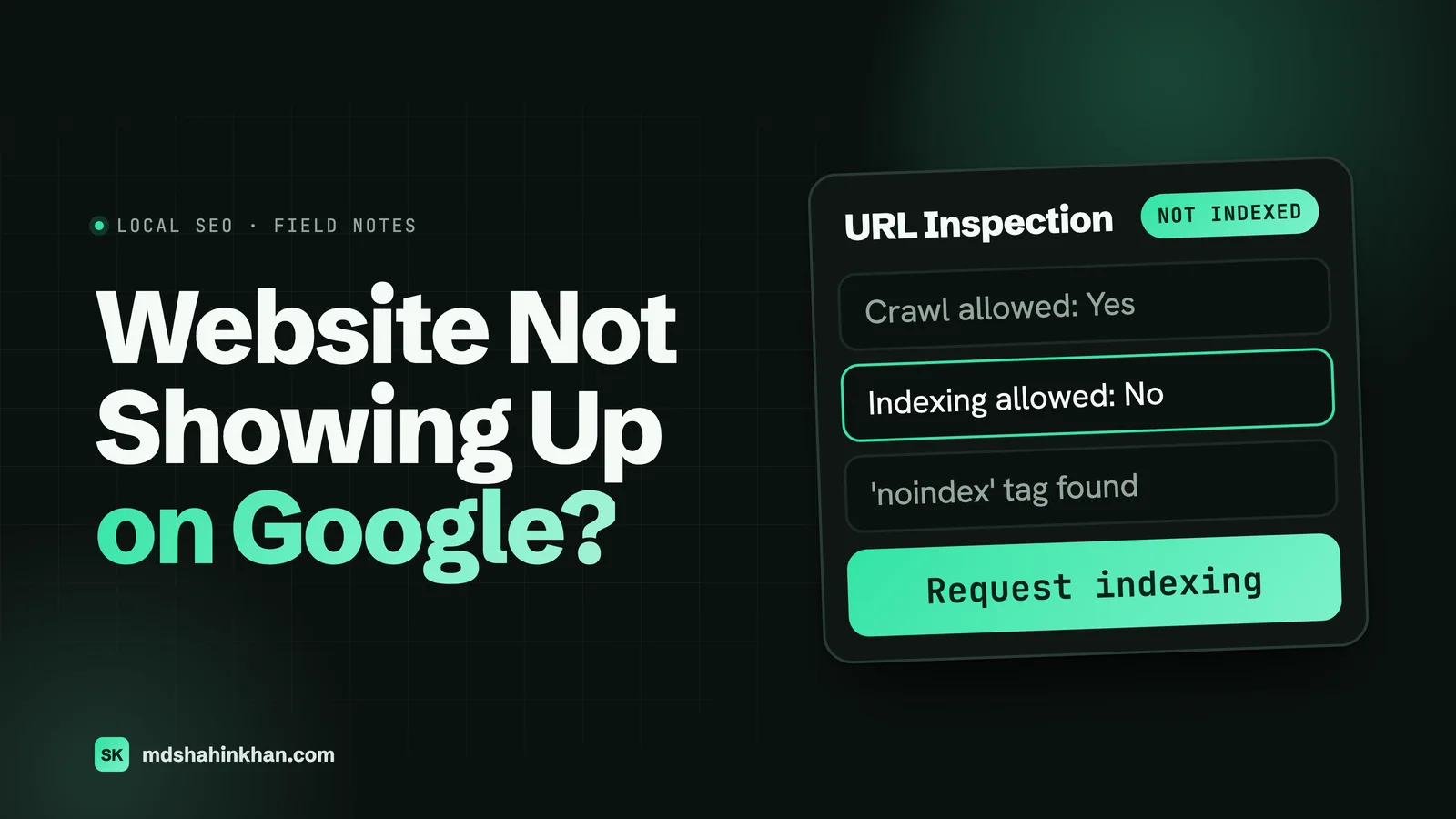
- Open Google Search Console (free, at search.google.com/search-console), add your site if it is not there, and paste your homepage address into the URL Inspection bar at the top. It tells you whether the page is indexed and, if not, why: blocked, marked noindex, redirected, not found or not crawled yet. This is the most useful two minutes in this whole guide.
If you have never set up Search Console, do it now whatever the problem is. You verify ownership once (the Domain option adds one DNS record at your domain registrar), submit your sitemap, and from then on Google tells you about most of the problems below instead of leaving you to guess.
Is It Your Website or Your Business Listing?
Two different things show up when someone searches for a local service, and they go missing for different reasons.
| What is missing | Where it shows | What controls it |
|---|---|---|
| Your website | The blue links under the map | Indexing, content, links, the site’s technical setup |
| Your business listing | The map with three businesses (the local pack) and Google Maps | Your Google Business Profile: verification, category, address, reviews, distance from the searcher |
A dental practice can rank first in the map pack with a weak website, and a law firm can have an excellent site that never appears on the map. If what you really mean is “my business does not come up on the map”, skip to the Google Maps section below. If it is the website, start with the causes in order.
Eight Causes, in the Order I Check Them
I check these in this order because the first ones are the most common and the quickest to rule out.
1. The Site Is Too New
A brand-new site, or a site on a new domain, is invisible until Google discovers and crawls it. Google’s own documentation says crawling “can take anywhere from a few days to a few weeks”. A site nobody links to can take longer because Google has fewer ways to find it.
Check: URL Inspection says “URL is not on Google” with no error, and the site went live recently.
Fix: Submit your sitemap in Search Console (on WordPress it is usually /wp-sitemap.xml or /sitemap_index.xml), request indexing for the homepage and your main service pages once, and get a few real links pointing at the site: your Google Business Profile, your social profiles, industry directories. Requesting indexing again and again does not help; Google says repeat requests do not get a page crawled any faster.
2. A Setting Is Telling Google to Stay Away
This is the one I find most often, and it is almost always an accident. Sites are built with search engines switched off so a half-finished version does not get indexed, and then nobody switches them back on at launch.
Check: URL Inspection says “Excluded by ‘noindex’ tag” or the Page indexing report lists pages under that reason. Then look for the setting:
- WordPress: Settings, then Reading, then “Discourage search engines from indexing this site”. It must be unticked. Also check your SEO plugin’s settings for pages or post types set to noindex, and any “coming soon” or maintenance mode plugin.
- Squarespace: a site or homepage password, a trial or expired plan, “Hide from search results” on individual pages, or a noindex tag added through code injection. Squarespace lists all of these in its own help article.
- Wix: the SEO settings let you stop search engines indexing the whole site or single pages; make sure indexing is allowed.
Fix: Change the setting, then request indexing for the homepage in Search Console. Pages come back as Google recrawls them.
3. Robots.txt Is Blocking It
The robots.txt file tells search engines which parts of a site they may crawl. A single line, Disallow: /, blocks everything, and it is a common leftover from a staging copy of the site.
Check: Open yourdomain.com/robots.txt in a browser. If you see Disallow: / under User-agent: *, the whole site is blocked. Search Console shows these pages as “Blocked by robots.txt”.
Fix: Remove that line. A normal small business robots.txt blocks almost nothing and points to the sitemap. Be careful here: blocking a page in robots.txt does not remove it from Google, and it stops Google from seeing a noindex tag on it, so never use robots.txt to hide pages you want out of search.
4. Google Found the Pages but Chose Not to Index Them
Search Console can show two statuses that confuse owners more than any other:
- Discovered, currently not indexed: Google knows the address but has not crawled it yet; according to Google it rescheduled the crawl so it would not overload the site.
- Crawled, currently not indexed: Google visited the page and decided not to add it for now. It “may or may not be indexed in the future”.
Check: the Page indexing report in Search Console, under “Why pages aren’t indexed”.
Fix: For a handful of unimportant pages (tag archives, thin pages, old test pages), do nothing; Google says no action is needed. When it is your main service pages, it is usually a quality or discovery signal. The fixes that work in my experience: make each page clearly different from the others (not five near-identical city pages), add real content a customer needs (prices, process, questions, photos of your own work), link to the page from your menu and from related pages, and make sure the site is not slow or erroring when Google visits.
5. The Site Is Indexed but Ranks for Nothing
If site:yourdomain.com shows your pages and your business name brings you up, you are on Google. What you are really asking is why you do not appear for “dentist near me” or “car accident lawyer” plus your city. That is ranking, not indexing, and it is where most of the work is.
Check: Search Console’s Performance report shows what you already appear for, and at what position. Page two for a service search is common for a new site and fixable.
Fix: Give every main service its own page written for how customers search, strengthen your Google Business Profile, collect reviews steadily and earn a few local links. My guides on SEO for lawyers, local SEO for dentists and SEO for auto repair shops cover this for each industry. On a US dental implant practice I rebuilt this way, Ahrefs’ estimate of organic visits went from 98 to 7,344 a month in about two years; the case study shows how.
6. A Redesign or Move Broke It
If the site used to get traffic and dropped after a new design, a new platform or a new domain, this is almost certainly the cause. The usual story: page addresses changed (/services/implants became /dental-implants/), nobody set up redirects, and every page Google knew now returns “not found”. Moving from http to https, changing the domain, or moving from one platform to another can each do the same.
Check: Search Console’s Page indexing report fills with “Not found (404)”, and the Performance report shows the drop starting on launch day. Try a few old page addresses from an old invoice, email or bookmark and see if they still open.
Fix: Redirect every old address to its closest new page with a 301 (permanent) redirect. Google says permanent redirects do not lose ranking signals and recommends keeping them for at least a year. The recovery checklist below lists the rest.
7. The Site Is Broken or Unusable on Phones
Google looks at your site the way a phone does. If pages error, time out, or show nothing useful on a phone, Google has little to index.
Check: Search Console shows “Server error (5xx)” or pages with no content; the site takes many seconds to load on mobile data; key text only appears after a click or is inside images.
Fix: Sort out hosting that keeps falling over, make sure the main content is real text on the page (not an image of text), and check your key pages on an actual phone. Speed alone rarely removes a site from Google, but a site that errors when Google visits will lose pages.
8. A Manual Action or a Hacked Site
Rare for a normal small business, but serious when it happens. Google can apply a manual action for spam, and hacked sites often get pages of spam added that nobody at the business ever sees.
Check: Search Console, under Security and Manual Actions. Also search site:yourdomain.com for words that have nothing to do with you (pharmacy names, casinos, foreign-language pages).
Fix: Clean the site properly (remove the malware and the backdoor, not just the visible pages), update everything, change passwords, then request a review in Search Console. This is one to hand to a developer if you are not sure what you are doing.
When Your Business Is Missing From Google Maps
If the website is fine but your business does not appear on the map, the cause is your Google Business Profile. Google says it ranks local results on three things: relevance, distance and prominence. It also says verified businesses are more likely to show up, and that inaccurate information can keep a profile out of relevant searches.
The causes I see most, in order:
- The profile is not verified, or verification was started and never finished.
- The primary category is wrong or too broad, such as “Lawyer” instead of “Personal injury attorney”.
- The profile was suspended, usually after a change of name, address or category, or keywords added to the business name.
- You are searching from too far away. The map favours businesses near the searcher, so a search from your home across town shows different results than one from your office.
- You are new and have few reviews against competitors with hundreds.
My local SEO guide for small businesses walks through setting up and strengthening the profile step by step.
What the Page Indexing Statuses Mean
Search Console’s Page indexing report uses Google’s own labels. Here is what the common ones mean and whether you need to do anything.
| Status | What it means | Do you need to act? |
|---|---|---|
| Discovered, currently not indexed | Google knows the page but has not crawled it yet | Only if it is an important page: improve internal links and check the site is not slow |
| Crawled, currently not indexed | Google visited and chose not to index it for now | Only for important pages: make the content stronger and clearly different |
| Excluded by ‘noindex’ tag | The page asks not to be indexed | Yes, if you want it on Google: remove the noindex |
| Blocked by robots.txt | Your robots.txt stops Google crawling it | Yes, if it should be on Google: edit robots.txt |
| Not found (404) | The page does not exist | Yes, if you link to it or it used to get traffic: redirect it |
| Page with redirect | The address redirects elsewhere | No, this is normal |
| Alternate page with proper canonical tag | A duplicate correctly pointing to the main version | No, Google says there is nothing to do |
| Duplicate without user-selected canonical | Google sees it as a copy of another page | Usually: make it different, or mark the preferred page |
| Server error (5xx) | Your server failed when Google visited | Yes: talk to your host or developer |
When a Redesign Broke It: The Recovery Checklist
If traffic dropped after a new site went live, work through this list in order.
Before anything else
- Confirm search engines are allowed (no noindex setting, robots.txt not blocking the site).
- Confirm the new site is on the right domain and every version (http, https, www, no www) redirects to one address.
Redirects
- Get the list of old addresses: Search Console’s Performance report (pages tab, last 16 months), an old sitemap, or the old site’s backup.
- Redirect every old address to its closest new page with a 301. Not everything to the homepage.
- Test a sample of old addresses in a browser and make sure each lands on the right page.
Content and signals
- Check the new pages kept the titles, headings and text that ranked, or improved them.
- Check internal links point to the new addresses, not through redirects.
- Submit the new sitemap in Search Console and request indexing for the main pages.
- Update the website link on your Google Business Profile and main directory listings.
Then watch
- Check the Page indexing report and the Performance report weekly for the next two months.
- Keep the redirects in place for at least a year.
How Long It Takes After the Fix
| After you fix | What to expect | Source |
|---|---|---|
| A new site submitted with a sitemap | First pages crawled within a few days to a few weeks | Google Search Central |
| A noindex or robots.txt mistake | Pages return as Google recrawls them, usually days for the homepage and longer for deeper pages | Google Search Central (recrawl timing) |
| A redesign or domain move with redirects in place | A few weeks or more before Google shows the new addresses, with some ranking movement while it does | Google Search Central (site moves) |
| Stronger content on crawled but not indexed pages | Weeks to a few months; not guaranteed | My experience |
| Ranking a new site for competitive local services | Months, not weeks | My experience |
The honest part: fixing a blocking setting is instant on your side and fast on Google’s. Moving from “indexed” to “ranking on page one for your main service” takes steady work over months, and no single fix does it.
When to Call Someone
You can handle causes 1 to 3 yourself with this guide and Search Console. I would bring in a developer when:
- the site dropped after a redesign and you do not have the old list of pages,
- Search Console shows server errors, a manual action or a security issue,
- your main service pages sit in “Crawled, currently not indexed” and you are not sure why, or
- you have been indexed for months and still rank for nothing that brings customers.
If you are a dental practice, a law firm or an auto shop, you can see how I build sites for each on my pages for dental practices, law firms and auto service centers. If you are still choosing a platform for a new site, my comparison of Wix, WordPress and Squarespace covers which one gives you the most control over all of the above.
Frequently Asked Questions
How Do I Get My Website to Show Up on Google?
Make sure nothing is blocking it (no noindex setting, no robots.txt block, no password), add the site to Google Search Console, submit your sitemap and request indexing for the homepage. Then give Google reasons to rank it: a clear page for each service, a verified Google Business Profile that links to the site, and a few real links from directories and local organisations. Showing up for your business name comes quickly; showing up for your services takes months of steady work.
Why Is My Website Not Popping Up?
Usually because the site is new and Google has not crawled it yet, a setting is telling search engines not to index it, or it is on Google but ranks below other pages for what you typed. Search site:yourdomain.com to see whether Google has any pages, and use URL Inspection in Search Console to see the exact reason for a missing page.
How Long Does It Take for a Website to Show Up on Google?
Google says crawling can take anywhere from a few days to a few weeks. Submitting a sitemap and requesting indexing in Search Console helps Google find the site; requesting it repeatedly does not speed it up. Appearing for your business name usually comes first, and ranking for competitive service searches takes months.
Why Is Google Not Indexing My Website?
The most common reasons are a noindex setting left on from development, a robots.txt file blocking the site, a site that is too new or has no links pointing to it, pages Google judged too thin or too similar to be worth indexing, and server errors when Google visits. The Page indexing report in Search Console lists the reason for every page it has not indexed.
Why Is My Business Not Showing Up on Google?
If it is the map and the local pack that you are missing from, the cause is your Google Business Profile, not your website. Check that the profile is verified, the primary category is specific and correct, the address and hours are accurate, and the profile is not suspended. Google ranks local results by relevance, distance and prominence, so a new profile with few reviews, searched from far away, will not appear for everyone.
Why Can’t I Find My Website on Google?
If you are searching for your services rather than your business name, your site may be on Google but ranking on page two or lower. Search your exact business name and site:yourdomain.com in a private window: if either shows your site, you are indexed and the job is ranking. If neither does, work through the blocking causes above, starting with the noindex setting.
If you have been through this list and your site is still missing, book a free 30-minute call and I will look at your Search Console with you and tell you what I would fix first, whether or not we work together. Or send me a message with your web address.