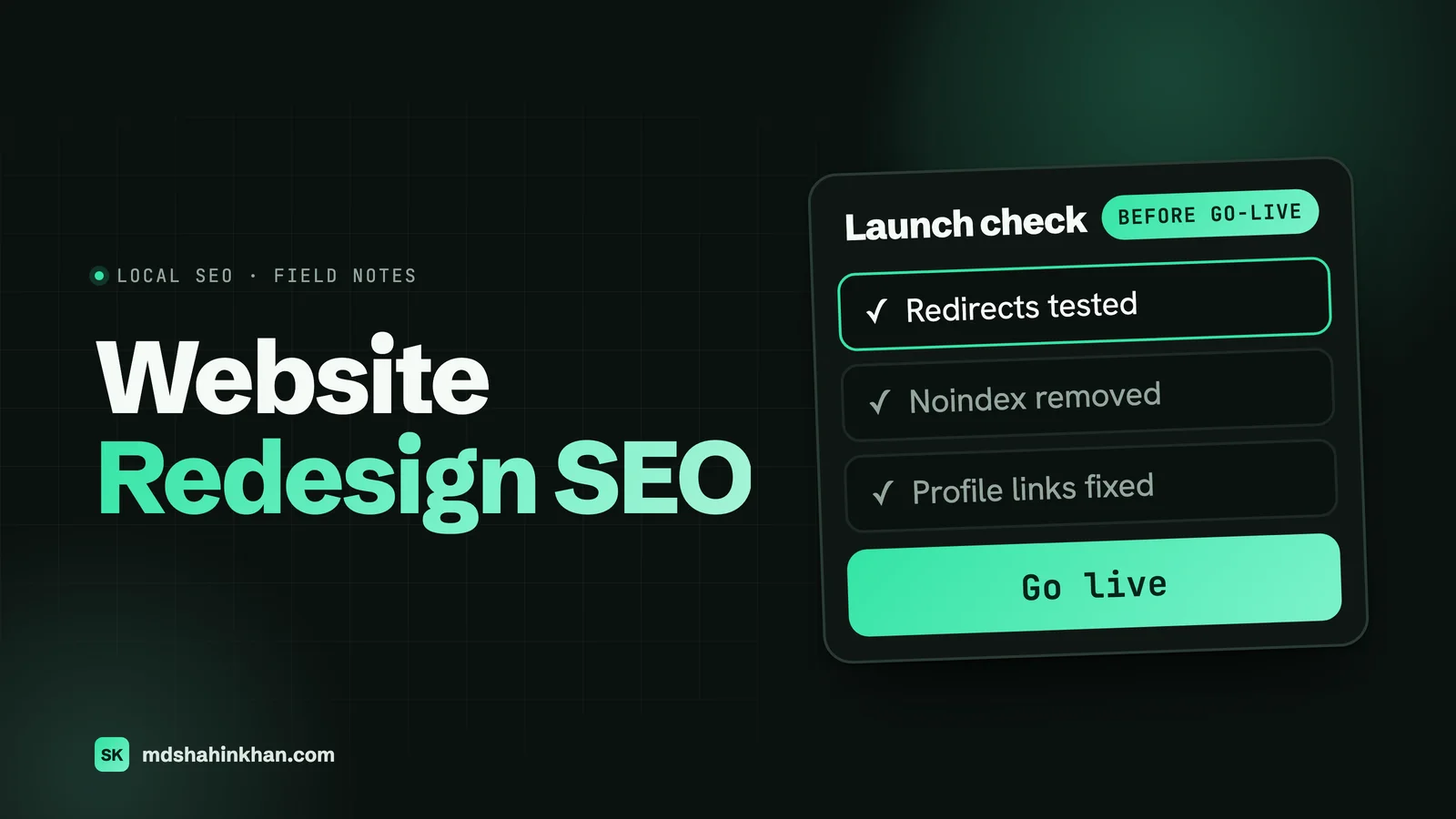
To redesign a website without losing rankings: record what you have first, keep the addresses of pages that rank, send every changed address to its closest new page with a 301 redirect, keep the content that earns traffic, remove any staging blocks at launch, and change one big thing at a time. Expect some movement anyway, and watch Search Console for at least 90 days.
I build websites for local businesses, and many of the projects I’m asked about are redesigns. The owner wants a site that looks better and works on a phone, and is worried about losing the calls the old one brings in. That worry is reasonable. This guide covers what really goes wrong, what the evidence does and doesn’t say, and the steps I’d follow, including the local listings almost every redesign guide leaves out.
Does a Website Redesign Affect SEO?
Yes, even if every address stays the same. A new design usually changes more than the look. As Google’s John Mueller put it: “If you change design, you generally change the content: headings, titles, images, internal linking, URL structure, accessibility, speed, etc.” He also said that with a theme change “you can see changes. Sometimes up, sometimes down.” Google’s Gary Illyes was blunter: “when you redesign a site, its rankings in search engines may go nuts.”
When someone asked Mueller whether traffic loss from a revamp can be prevented, he answered “No”, adding: “if you make a new website (revamping the old), you will have a new website.”
So I won’t promise you zero change, and you should be wary of anyone who does. The realistic goal is a small, short dip that a better site then recovers from. A redesign can also lift rankings if the new site is faster, clearer and easier to use.
What the evidence doesn’t say. You’ll see confident numbers for how much traffic a redesign loses, but I couldn’t find a study of same-domain redesigns with a solid method. The serious studies cover domain changes, which are a bigger move. One study of 1,052 domain moves by a migration agency found a median recovery time of 304 days, but it only included sites that had already lost 60% or more of their traffic, so it tells you how slow a bad move is to fix. It doesn’t tell you how often moves go wrong.
What Actually Breaks
Most of the damage comes from a short list of mistakes:
| What happens | Why it hurts |
|---|---|
| Addresses change with no redirects | Old pages return “not found”, and links and rankings pointing at them are wasted |
| Everything redirects to the homepage | Google may treat it as a soft 404, so the old page’s value may not carry over |
| Long pages are cut for a cleaner design | The words that ranked are gone |
| A noindex tag stays on after launch | Google drops the pages entirely. It’s a small mistake with a severe result |
| Menus and internal links shrink | Pages lose the links that told Google they matter |
| Analytics or call tracking isn’t reinstalled | You can’t see the damage. Google Analytics only collects from pages with the tag |
| The site gets heavier | Big images and sliders make it slower on phones |
What I Found on 30 Local Business Sites
I wanted to see what this looks like for ordinary local businesses. In November 2026 I checked Ahrefs for links pointing to dead pages on 30 sites that rank on page one for dentists, personal injury lawyers and auto repair in Columbus, Tucson and Raleigh. I left out links Ahrefs flags as spam and sites below a Domain Rating of 20.
- 25 of the 30 had none. Small sites don’t have many links to lose, so this isn’t the disaster some guides suggest.
- 5 of the 30 did: four law firms and one dental practice. In this sample, law firms had the most links to lose.
- One law firm had 23 sites linking to dead pages. Two press release sites pointed at a lawyer’s old profile page, a directory pointed at a removed location page, and one removed blog post was still linked from 8 other sites.
- One dental practice had Yellow Pages and DexKnows pointing at a location page that no longer exists. Anyone clicking through from those listings got an error.
- Another firm had a news site linking to a dead blog post, in an article published just months before my check.
I can’t say all of these came from redesigns. A deleted page has the same effect either way. The lesson is that you don’t need to panic about every page, but you do need to find the handful that have links and make sure they lead somewhere. A redirect takes minutes, and these links are hard to earn again.
Change One Thing at a Time
This is the most useful advice I can give, and few guides mention it. Google’s site move guide says if you’re making several changes, “do them one at a time: move to a new domain, then change your site’s layout.” Mueller has said you may see more fluctuation from a redesign than from a domain change.
Owners often want it all at once: new domain, new platform, new design, new copy, new address structure. If rankings fall, nobody can tell which change caused it. Where you can, split the project:
- Move platform or domain first, keeping pages and content as close as possible.
- Let it settle for a few weeks.
- Then change the design.
- Then rewrite and expand content, a section at a time.
If you can’t split it, because the old site is on a platform you have to leave, for example, then the steps below matter even more. My guide to moving from Wix to WordPress covers that case.
Also pick your timing. Google suggests moving when traffic is lower, if possible. For an auto shop or a dentist, that may mean avoiding your busiest season.
Before You Start: Record What You Have
Do this before anyone touches the design. Most of it is free.
- Export every address on the old site. A crawler like Screaming Frog (free for up to 500 addresses) gives you the list.
- Export Search Console data: the Performance report’s pages and queries for the last 16 months, which is all it keeps.
- Export Google Analytics: visits and conversions by page.
- Find pages with links. Ahrefs Webmaster Tools is free for sites you own, and Search Console’s Links report helps too.
- List everything that points at a deep page: your Google Business Profile links, directories, booking links, ads and email signatures.
- Save a copy of the old site (a full backup, plus screenshots of your top pages).
- Record your speed scores with PageSpeed Insights, so you can prove the new site is faster.
Keep, Merge or Drop
Put every page in one spreadsheet and decide:
| Page has | Decision |
|---|---|
| Traffic, rankings or links | Keep the address and the content that earns them, and improve it |
| Little traffic, but a close match on another page | Merge it and redirect to that page |
| No traffic, no links, no purpose | Drop it. A real “not found” page is fine here |
| A purpose but no traffic (privacy policy, careers) | Keep it |
The Redirect Map
The simplest redirect is the one you don’t need. If a page can keep its address, keep it. For the rest, add a column to your spreadsheet: old address, new address.
| Old address | New address | Why |
|---|---|---|
/services-1/ | /brake-repair/ | Same topic, cleaner address |
/dentist-dublin-oh/ | /locations/dublin/ | Same location |
/blog/2019/how-long-do-implants-last/ | /blog/how-long-do-implants-last/ | Same article |
/old-special-offer/ | Dropped, no redirect | Expired, no links |
Google’s rules:
- Use permanent redirects on the server. Google says “301 and other permanent redirects don’t cause a loss in PageRank.”
- Send each address to its closest match, never everything to the homepage.
- Don’t use temporary redirects. Google treats a 301 as a strong signal and a 302 as a weak one for which address should be shown.
- Keep them for as long as possible, “generally at least 1 year”. On WordPress, a redirect plugin or a rule on the server does the job. Leave them in place when you next update the site.
- Avoid chains. If an old address already redirects, point it straight to the final page.
The Staging Site Trap
Your new site needs a place to live while it’s being built, and search engines shouldn’t see it. The most common way to get this wrong is using robots.txt alone, and some guides still recommend it. Google says robots.txt “is not a mechanism for keeping a web page out of Google”, and a blocked address can still get indexed if something links to it. Google also points out that if robots.txt blocks a page, “the crawler will never see the noindex rule”.
What I’d do:
- Password-protect the staging site. That’s the cleanest option, since nobody can reach it.
- If you use a noindex tag, don’t also block it in robots.txt, and keep a launch note to remove it.
- Check again after launch. Google’s site move guide warns: “Don’t forget to remove any noindex or robots.txt blocks that were only needed for the migration.”
On WordPress, the setting to check is under Settings, then Reading, “Discourage search engines from indexing this site”. It must be unticked on the live site.
Keep What Ranks
The design can change a lot. These parts need care:
- Words that rank. Compare each top page’s text before and after. Copy often gets cut to make a layout look clean, and that’s one of the most avoidable losses. Improve the page, and don’t shorten it unless the cut text was truly useless.
- Titles and main headings. Change them only with a reason, and keep the wording people search for.
- Internal links. If a page lost its menu link, link to it from somewhere relevant. A new mega menu or a shorter footer can quietly change which pages look important.
- Text hidden in images or sliders. Page builders make it easy to turn real text into pictures. Keep important text as real text.
- Structured data. Check that your business details, FAQs and reviews markup came across, using Google’s Rich Results Test.
- Speed on a phone. Check the new site with PageSpeed Insights before launch and compare it with your old scores. My guide to speeding up WordPress covers the fixes.
What Local Businesses Must Not Forget
None of the redesign guides I read mention this, and for a dentist, a law firm or a repair shop it’s where a lot of business comes from.
- Google Business Profile. Check your website link, plus any appointment, menu or services links. Google reviews edits before they go live, so make the change early and check it afterwards. Google doesn’t say whether changing the link affects local rankings, so don’t change it without a reason, such as a new domain or a page that no longer exists.
- Location pages. As my data showed, directories often link straight to these. If you have them, keep them or redirect them to the matching new page. Don’t merge several towns into one page by accident. My local SEO guide covers what they should contain.
- Directories and citations. Update Yelp, Apple Maps, Bing Places, and your trade directories if your domain or phone number changes. Keep name, address and phone identical.
- Booking and intake. Online booking, new patient forms and contact forms often sit on separate systems. Test a real submission after launch and confirm the email arrives.
- Call tracking. If your site uses a tracking number, make sure it was carried over, and that the number on the page is the one you expect.
- Ads. Check that every campaign’s landing page still exists, or you’ll be paying for clicks on an error page.
- Trade-specific links. Dental insurance directories, your state bar profile, Justia or Avvo, and manufacturer “find a dealer” pages may all point at deep pages.
Launch Day
Pick a quiet day, early in the week, so you have people around if something goes wrong. Avoid Friday afternoons.
- Take a final backup of the old site
- Go live, then remove any noindex setting and staging password
- Check robots.txt isn’t blocking the site
- Test your top 20 old addresses in a browser, each should land on the right page
- Run a crawler over the old address list to catch errors, chains and loops
- Confirm every version of the domain (http, https, www, no www) ends up at one address
- Submit the new sitemap in Search Console
- Check analytics is recording visits, and tracking works for calls and forms
- Test the site on a real phone: tap to call, booking, contact form
- Test a form end to end and confirm the email reaches you
Note that a sitemap is only a hint, and asking for indexing doesn’t guarantee a page will appear. They help, but they won’t fix a broken site. And if you haven’t changed your domain, you don’t need Google’s Change of Address tool, which is only for moves to a new domain or subdomain.
The First 90 Days
Google says a small to medium site “can take a few weeks for most pages to move” and to expect temporary fluctuation that settles over time. Here’s what I’d watch:
| When | What to check | What’s a worry |
|---|---|---|
| Daily, week 1 | Search Console’s Page indexing report; calls and form submissions | Pages marked as blocked or “noindex”; calls falling sharply |
| Weekly, weeks 2 to 4 | Top 20 pages and queries compared with before; “not found” errors | A top page gone from results; lots of 404s from old addresses |
| Monthly, months 2 to 3 | Organic visits, calls and bookings against the same months last year | Still well down after 8 to 12 weeks, with no recovery trend |
Compare with the same period last year where you can, because many local businesses are seasonal. If you see a sharp drop, work through my recovery checklist. Sudden drops often trace back to a noindex tag, missing redirects or removed content, and those can all be fixed.
What a Redesign Costs
A redesign usually costs about the same as a new build, as I explain in my guide to small business website costs: roughly $3,000 to $8,000 from a freelance WordPress developer, and $6,000 and up from an agency. The SEO work above adds some hours, mostly on the page inventory, the redirect map and post-launch checks.
When you get a quote, ask these questions:
- Will you keep my existing addresses, or map each one to a new address?
- Who sets up and tests the redirects?
- Will you compare the old and new page text before launch?
- How do you keep the staging site out of Google, and who removes that block?
- What do you check after launch, and for how long?
If the quote doesn’t mention redirects, ask why. It’s the single best test of whether someone has done this before. My pages on websites for dental practices, law firms and auto service centers show how I approach it for each trade.
Frequently Asked Questions
Does Website Redesign Affect SEO?
Yes. A redesign usually changes headings, internal links, content and speed, and any of those can move rankings up or down, even if addresses stay the same. Google’s own representatives have said to expect changes. With careful planning the dip is usually small and short, and a better site can end up ranking higher.
How Much Does It Cost to Do a Website Redesign?
For a small business, a redesign usually costs about the same as a new build: roughly $3,000 to $8,000 from a freelance developer and $6,000 and up from an agency. Published figures come mainly from agencies and vary widely, so compare what each quote includes, especially redirects and post-launch checks.
Can You Redesign a Website Without Losing SEO?
You can keep the loss small, but nobody can guarantee no change. When asked whether traffic loss from a revamp can be prevented, Google’s John Mueller answered “No”. Keep the addresses and content that rank, redirect what changes, and make one big change at a time.
How Long Does It Take for SEO to Recover After a Redesign?
Google says a small to medium site can take a few weeks for most pages to move, with temporary fluctuation along the way. If a site is still well down after 8 to 12 weeks, I’d look for a specific cause, such as missing redirects, removed content or an indexing block. That timeframe is my own guide, not a Google figure.
Should I Keep the Same URLs When Redesigning?
Yes, wherever you can, especially for pages with traffic or links. If the old addresses are poor, change them and add a 301 redirect from each old address to its closest new page. Keep the redirects for at least a year, as Google recommends.
Do I Need to Update My Google Business Profile After a Redesign?
Only if your website address, or a page your profile links to, has changed. Check your website, appointment and services links after launch, and make sure each one still works. Google reviews edits before they go live, so check back afterwards.
If you’re planning a redesign and want someone to check the risks before you commit, book a free 30-minute call. I’ll look at which of your pages have traffic and links and tell you what needs protecting, whether or not we work together.